

You might have heard some "buzz" around the UCAS buzzword (sorry, we couldn't resist!) and wondered what it is or whether you need one for your application.
If you're an American student applying to universities in the UK, the UCAS application process may already feel a little unfamiliar. And then you're asked about a buzzword!
Don't worry. It's simpler than it sounds.
In this guide, we'll explain what a UCAS buzzword does, why you might want to use one, and how to add a UCAS buzzword to your application, whether you're just getting started or have already begun filling it out.
What Is a UCAS Buzzword?
A UCAS buzzword is a unique word or code that connects your UCAS application to a school, college, or registered advising organization.
When you enter your school's buzzword, your application becomes linked to its UCAS centre. This allows your school counselor or another authorized adviser to help manage parts of your application through the UCAS adviser portal.
For example, your counselor can monitor your application progress, provide your academic reference, and enter predicted grades when required.
And you don't need to share your UCAS password with your counselor to make that happen.
One important thing to know: A buzzword doesn't give your application an advantage in university admissions. It's simply a way to connect your application to the school or organization supporting you.
Why Should You Add a UCAS Buzzword?
Adding a UCAS buzzword isn't mandatory, but it can make the application process easier if your high school or advising organization is registered as a UCAS centre.
Here's why:
- Your counselor can support your application. They can see your application progress and help you identify anything that still needs attention.
- Your reference is handled through your school. Your counselor or designated referee can prepare and submit your academic reference through the adviser portal.
- Predicted grades can be added when required. If you're completing qualifications that need predicted grades, your school can provide them through UCAS.
- It's easier to stay organized. Your school can manage its students' UK applications in one place instead of relying on separate updates from everyone.
For US students, this can be especially helpful because the UCAS process works differently from applying to colleges through the Common App.
If you're still deciding which application system to use, take a look at our Common App vs. UCAS guide.
How to Add a UCAS Buzzword to Your Application
Ready to link your application to your school?
First, ask your high school counselor or advising organization for its current UCAS buzzword. Schools may use a different buzzword for each application cycle, so make sure you have the correct one.
The steps depend on whether you're creating a new UCAS application or have already started one.
If You're Starting a New UCAS Application
Step 1: Start your UCAS application.
Sign in to your UCAS Hub and begin your undergraduate application. During setup, UCAS will ask whether you're applying through a school, college, or centre.
Select the option indicating that you're applying through a school or centre.

Step 2: Enter your school's buzzword.
When prompted, type in the buzzword provided by your school or advising organization.
Make sure you've entered it correctly before continuing.

Step 3: Check the school or organization details.
UCAS should display the details of the centre associated with the buzzword. Check that it's the correct school or organization, then follow the prompts to save and continue.

That's it! When you enter the buzzword during initial setup, your application is normally linked to your school or centre automatically.
It's still a good idea to let your counselor know you've connected your application so they can help you with the next steps.
If You've Already Started Your UCAS Application
Already started your application without a buzzword? No problem.
You can still request to link your application to your school or centre before submitting it.
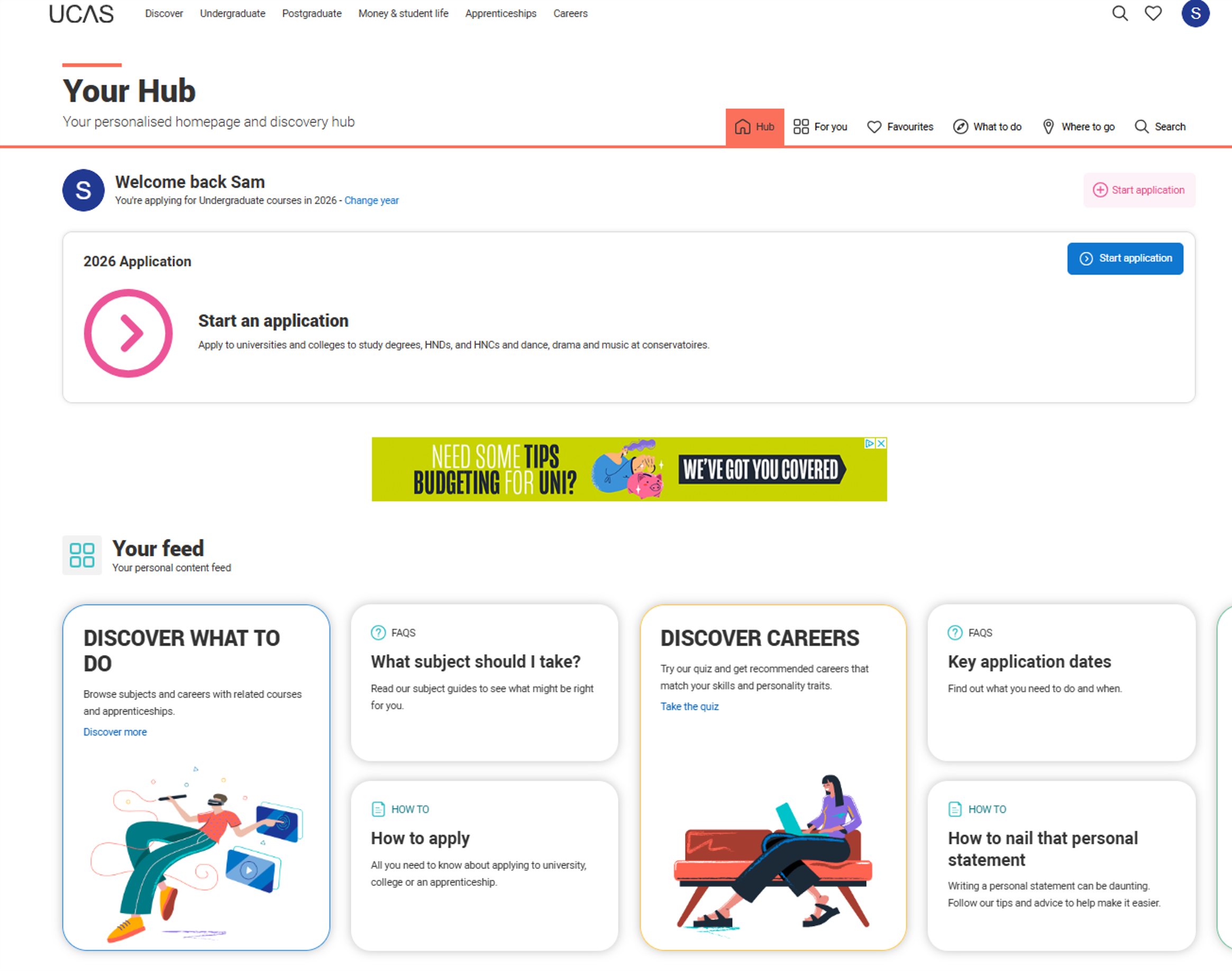
Step 1: Sign in to your UCAS Hub.
Go to your UCAS Hub and open your undergraduate application.
Step 2: Find the option to add a buzzword.
From your application status area, look for the option to add or link a buzzword.

Step 3: Enter the buzzword and submit your linking request.
Enter the buzzword your school provided and follow the prompts to request the link.
Step 4: Let your counselor know.
When you add a buzzword after starting your application, your school or centre will generally need to accept the request through its UCAS adviser portal.
Once they've accepted it, your application will be linked to the centre.
Already submitted your UCAS application? The process is different once an application has been sent. Contact UCAS for guidance on whether and how your application can be linked to a centre after submission.
UCAS occasionally changes the layout and wording of its application screens, so the screenshots above may look slightly different from what you see in your account. You can also check the official UCAS buzzword instructions for the latest steps.
What Happens After You Add Your UCAS Buzzword?
Once your application is linked, your counselor can help manage the school-related parts of your application. You'll still be responsible for completing your course choices, qualifications, and personal statement.
If you're curious about what your counselor needs to provide, our guide to writing a UCAS reference explains how that part of the process works.
And if you're applying for 2027 entry, take a look at our UCAS Updates for 2027 Entry for the latest changes to the application process.
Need a Little Help With Your UCAS Application?
UCAS can feel confusing when you're used to the US college application process. From entering your qualifications to answering the personal statement questions, there are quite a few differences to get familiar with.
That's why we created our 2027 UCAS Guide for Students. It walks you through the application step by step, with guidance specifically for American students applying to UK universities.
UCAS Buzzword FAQs
Is a UCAS buzzword required?
No. You can submit your UCAS application without a buzzword. You'll apply independently and will still need an appropriate referee to provide your academic reference.
Can I apply if my school isn't registered as a UCAS centre?
Absolutely! You can apply independently through UCAS even if your high school doesn't have a registered centre. You'll need to arrange your reference directly with an appropriate teacher, counselor, or another eligible referee.
What if I entered the wrong UCAS buzzword?
If you've linked your application to the wrong school or organization, contact the centre involved and explain what happened. Depending on your application's status, the centre or UCAS may need to help you correct the link.